NGWS Chat Viewer
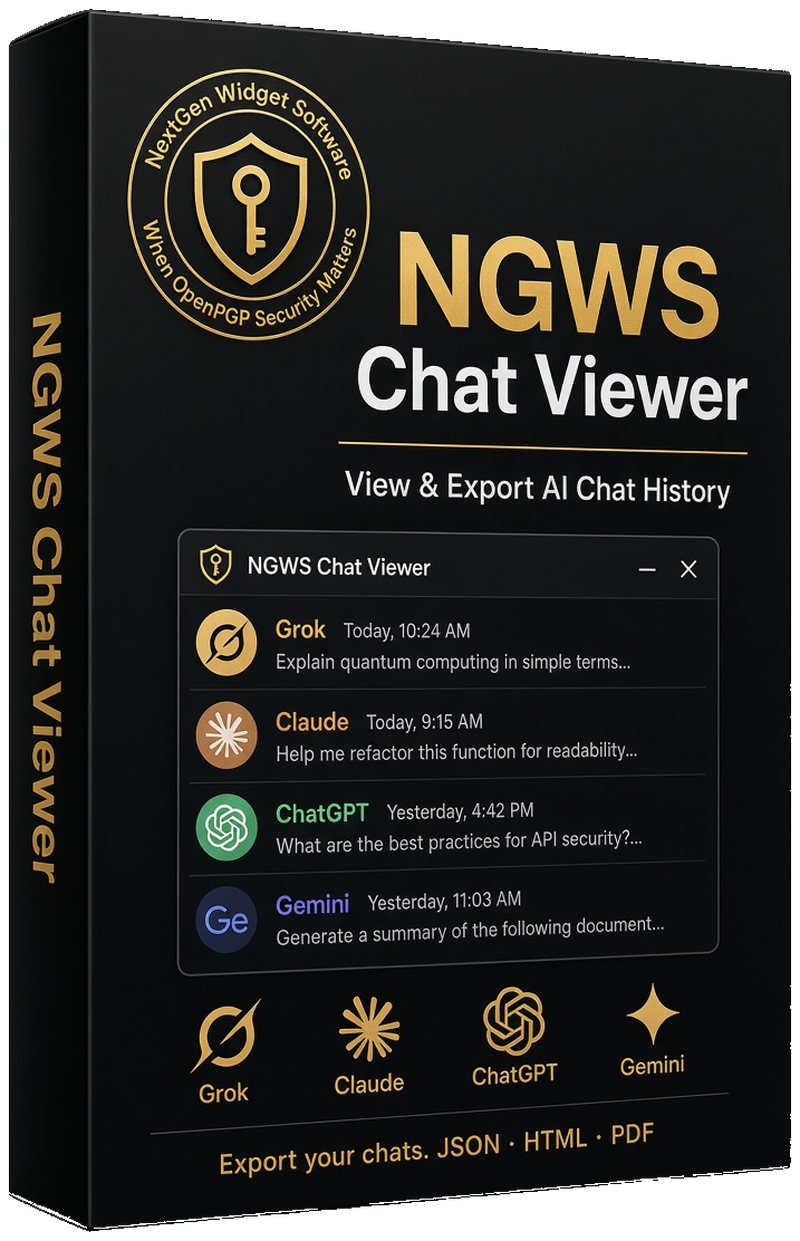
A desktop viewer for Grok, Claude, ChatGPT, and Gemini conversation exports.
Open your exported chats (JSON, ZIP, or Gemini HTML), browse them in a clean chat-style interface, search and filter, and export selected conversations or everything at once. Your data stays on your PC.
$29.00 once, for this PC
What it is
NGWS Chat Viewer is a Windows desktop application that lets you view and export your AI conversation history from Grok, Claude, ChatGPT, and Gemini. Import your exports, browse them locally, and keep a permanent copy on your machine.
- Grok, Claude, ChatGPT (JSON or ZIP)
- Gemini (Google Takeout HTML — MyActivity.html)
- Chat view with thinking traces and dark mode
- Search, filter by date, images, links, tags, and bookmarks
- Export to Markdown, HTML, PDF, JSON, Plain Text, or JSON Lines
- Save as PDF and print
- Image gallery and statistics
Who it is for
Anyone who wants a local, searchable archive of their AI conversations. Researchers, developers, and writers who need to keep, search, and export chats without relying on the cloud service.
- One license, one PC, tied to that machine’s code
- Evaluation version available (export, print, and Save as PDF restricted)
- Windows 10 or Windows 11, 64-bit
- .NET Framework 4.8.1
Buy for this PC
The license is locked to one computer. Enter the machine code from the application, then continue to checkout.
Get the machine code from the application:
Help → About, or open MachineCode.txt in
%APPDATA%\NGWS\ChatViewer\ (or LocalAppData if that folder is not writable).
Download the trial
The evaluation version lets you open and view conversations. Export, Print, and Save as PDF require a full license.
- Download NGWSCVsetup.exe
- Install and run the application.
- Open Help → About to see your machine code (also written to MachineCode.txt).
- Return here, paste the machine code, and purchase.
Windows 10 or Windows 11, 64-bit. .NET Framework 4.8.1.
Supported exports
- Grok: prod-grok-backend.json or ZIP
- Claude: conversations.json or conversations-000.zip
- ChatGPT: conversations.json or ZIP
- Gemini: Google Takeout HTML — request My Activity → Gemini Apps, then open the ZIP that contains MyActivity.html (or the HTML file itself). JSON is not required.