Remove Spacing
|
|
|
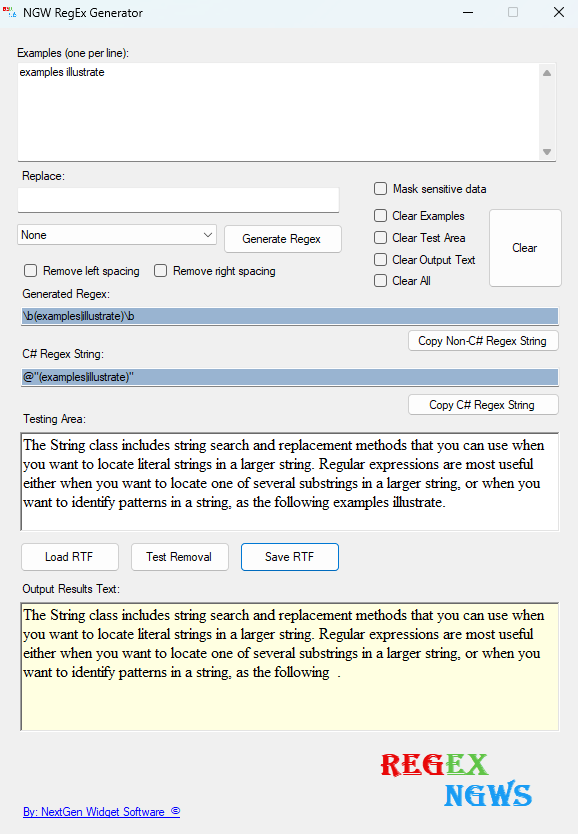
1. Now, starting from the previous example on the left, if we look down in the results area (16) you will see that there is a space left between the word "following" and the period. We can easily remove that space by clicking the "Remove left spacing" checkbox (7). 2. Next, click the "Generate Regex" (5) button and then click the "Test Removal" (14) button. Results: The period is now right next to the word "following" with no space seen in the output results (16) area. See below.
|
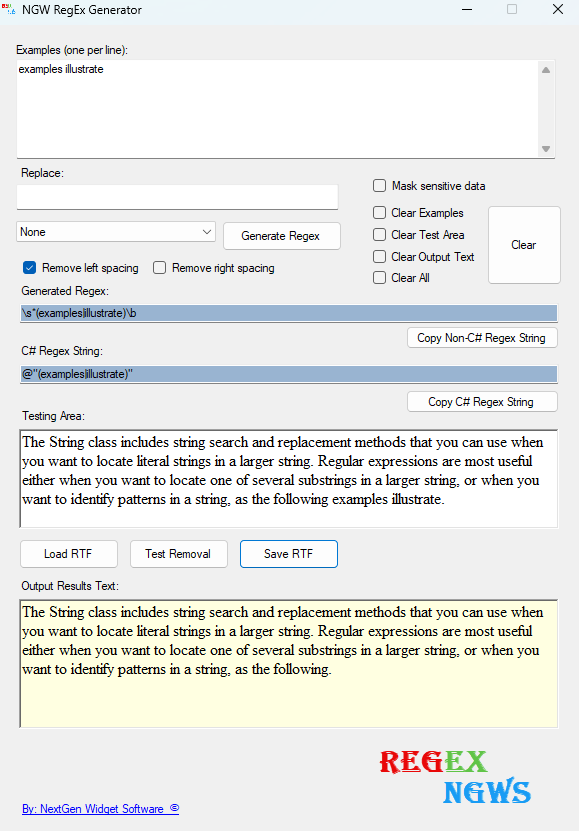
Note: You can move the period over by clicking the "Remove left spacing" and the "Remove right spacing" check boxes.