Decrypt & Verify Text
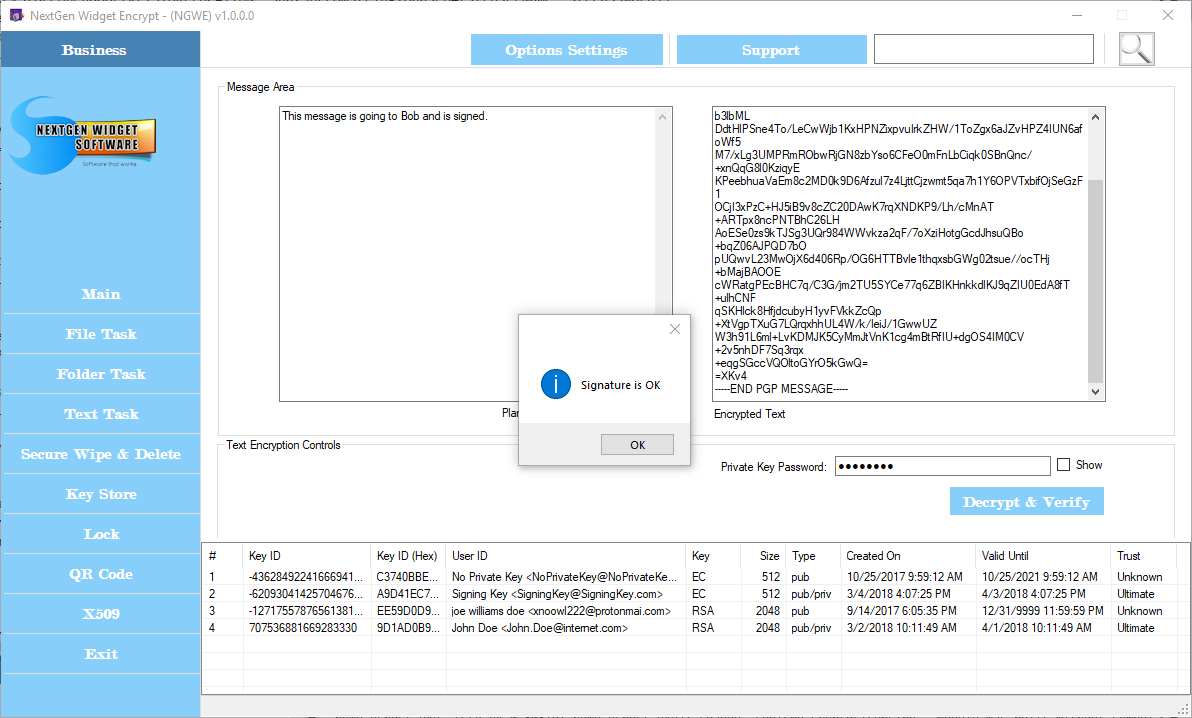
To decrypt a signed message the private key needs to be located in the Key Store. You only need to add the encrypted text to the OpenPGP block, and the private key password and click "Decrypt & Verify".
If verification is successful you will receive the message "Signature is OK" as the message is generated in the message area block.